
All Images
Why use a Cluster?
Connecting to a remote HPC system
Figure 1
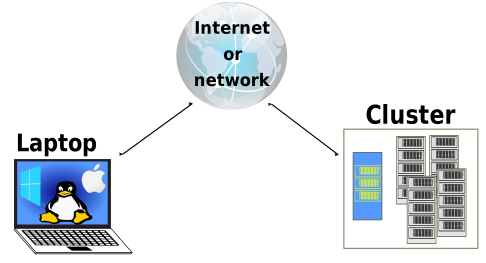
connect-to-remote.svg
Working on a remote HPC system
Figure 1
Connect to cluster
Figure 2
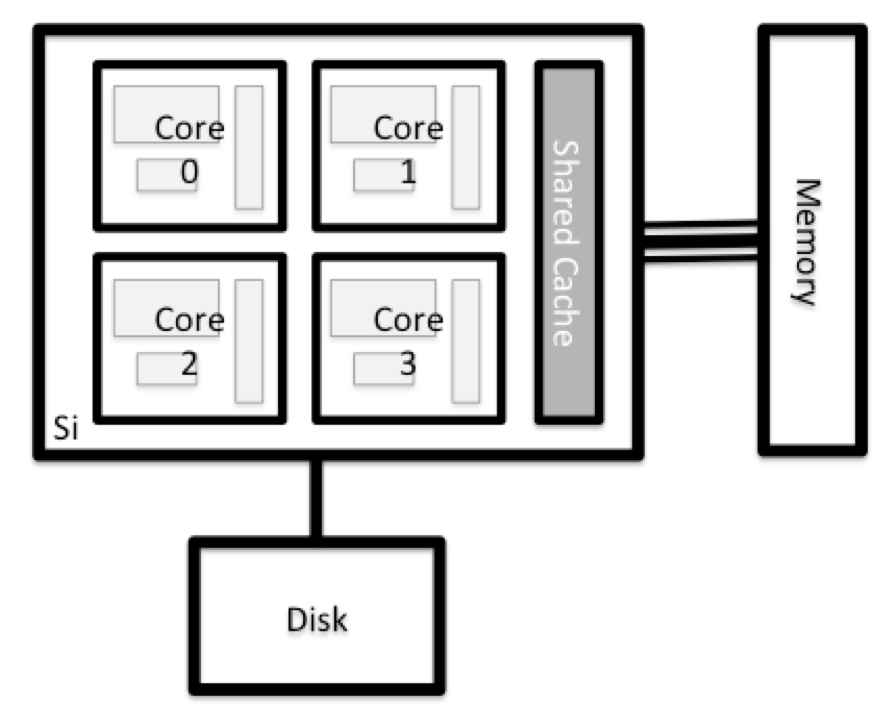
Node anatomy
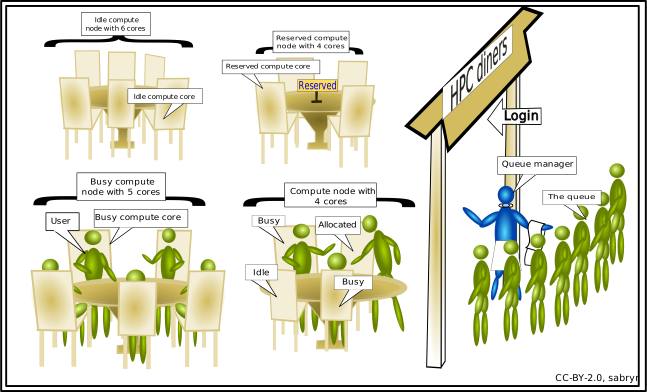
Scheduler Fundamentals
Figure 1
Environment Variables
Accessing software via Modules
Transferring files with remote computers
Running a parallel job
Using resources effectively
Using shared resources responsibly
Figure 1

Schematic diagram of bandwidth and latency for
disk and network I/O. Each of the components on the figure is connected
by a blue line of width proportional to the interface bandwidth. The
small mazes at the link points illustrate the latency of the link, with
more tortuous mazes indicating higher latency.